Case Study
Re-Design

Visual system
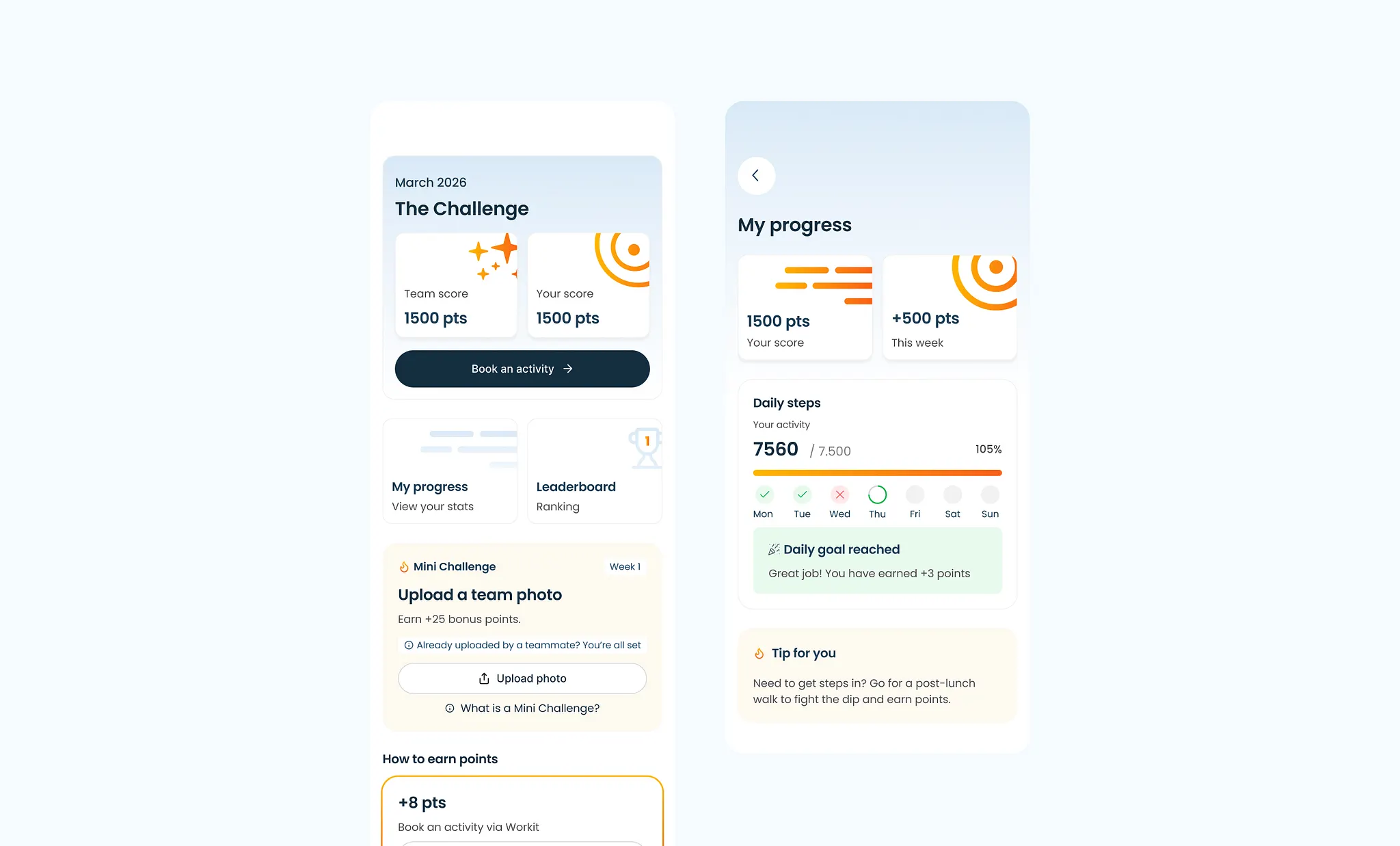
Organized screens from the project.

Project overview
The dashboard project started with a product team that had more data than hierarchy. Users could access metrics, tables, and status indicators, but they still had to build the story themselves every time they opened the product. The issue was not a lack of information. The issue was that important signals competed with secondary details, so users spent time interpreting the dashboard before deciding what needed attention.
Focus
I focused on changing the dashboard from a reporting surface into a decision surface. From the existing experience it became clear that users did not need every metric at the same volume. They needed the interface to separate what changed, what mattered, and what required action.
Challenge
Users frequently received too many irrelevant search results or no useful results at all. Filters were difficult to discover, while the overall hierarchy made it challenging to quickly identify the most relevant information.
Goals
Improve search relevance
Make filters easier to use
Reduce cognitive load
Improve zero-result experience
Create a consistent experience across devices
Research
The project started with analysing the existing search flow and reviewing similar search experiences from government websites. User behaviour and accessibility guidelines helped shape the new information hierarchy and filtering experience.
Process
The project started with stakeholder workshops involving multiple municipalities to understand the existing search experience, project goals, and the challenges citizens encountered when looking for information online.
Together with content specialists, product owners, and developers, we mapped the current user journey and identified opportunities to improve information architecture, filtering, and search relevance. Existing analytics, user feedback, and accessibility guidelines were used to prioritize the most impactful improvements.
Based on these insights, I created low-fidelity wireframes to explore different search layouts, filter structures, and zero-result scenarios. After validating the direction with stakeholders, the concepts evolved into high-fidelity designs and interactive prototypes.
Throughout the project, designs were reviewed and refined in close collaboration with multiple municipalities to ensure the solution was scalable, consistent, and aligned with shared government design principles. The final designs focused on improving findability, reducing cognitive load, and creating a responsive search experience across desktop, tablet, and mobile.
Preview project